The current status of a study is visible on the Studies page, as well as when opening an individual study.
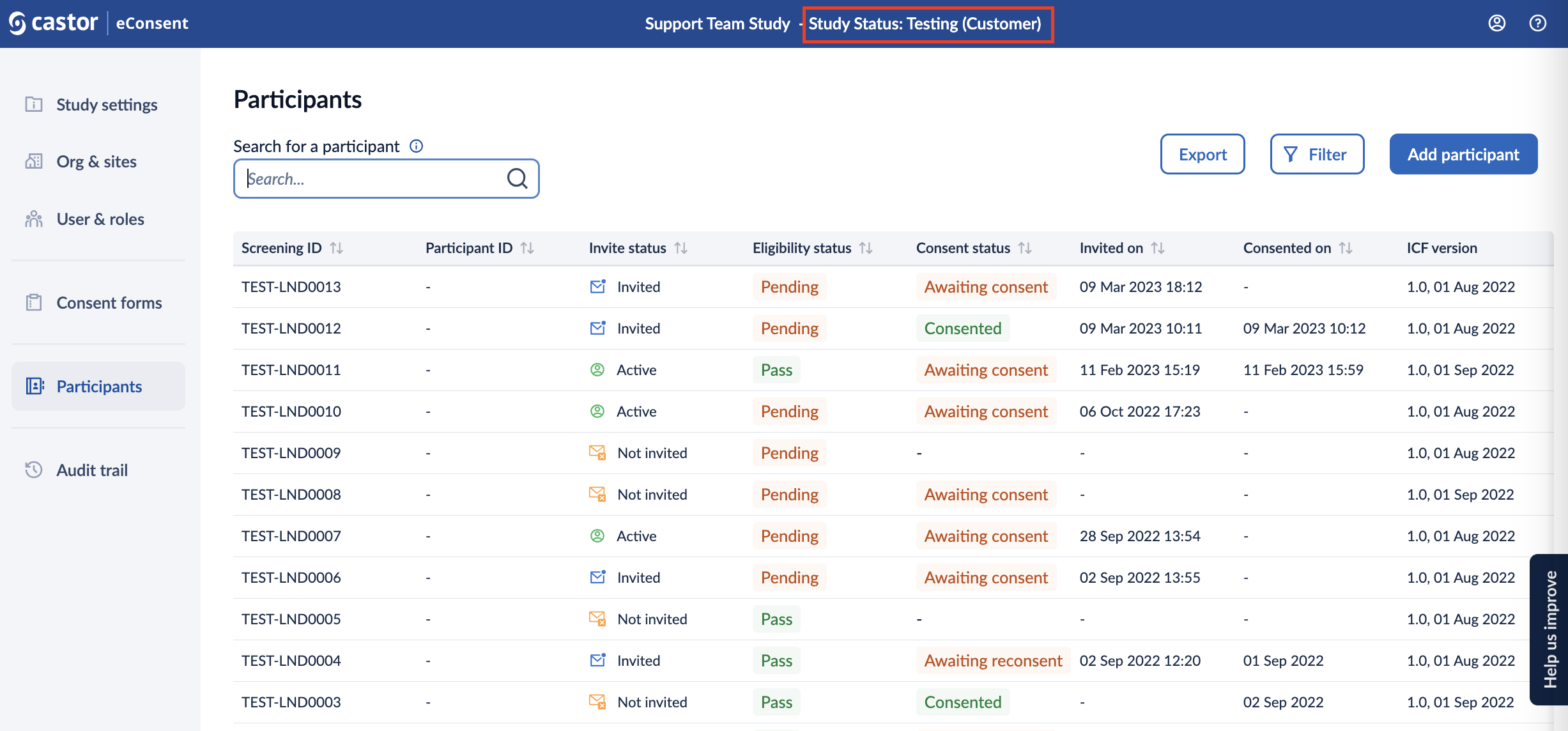
Each study progresses through the following statuses:
- Testing (Castor): The study is being tested by Castor. Audit trail events during this study status are marked with the status 'Testing (Castor)'.
- Testing (Customer): The study has passed the quality checks by Castor and is handed over to the customer to perform User Acceptance Testing (UAT). Audit trail events during this study status are marked with the status 'Testing (Customer)'.
- Live: The study has passed the quality checks by Castor and UAT by the customer. All the participant records that were created during both 'Testing' study statuses are automatically archived. Audit trail events during this study status are marked with the status 'Live'.
The Study status can only be changed by an organization admin if you are building the eConsent study yourself or by a study admin.
Once the study status has been changed, it is not possible to revert to the previous status.
To set your study to Live:
Click Change status to Live.
A confirmation prompt will appear:
Are you sure you want to set the study to status live?
By setting the study status to live you confirm that you have successfully preformed User Acceptance Testing (UAT). The participant records that were created during UAT will automatically be archived. This study status change will be logged in the audit trail.
3. Click Change status to Live to confirm.